Test your voice agents live (with transcripts!)
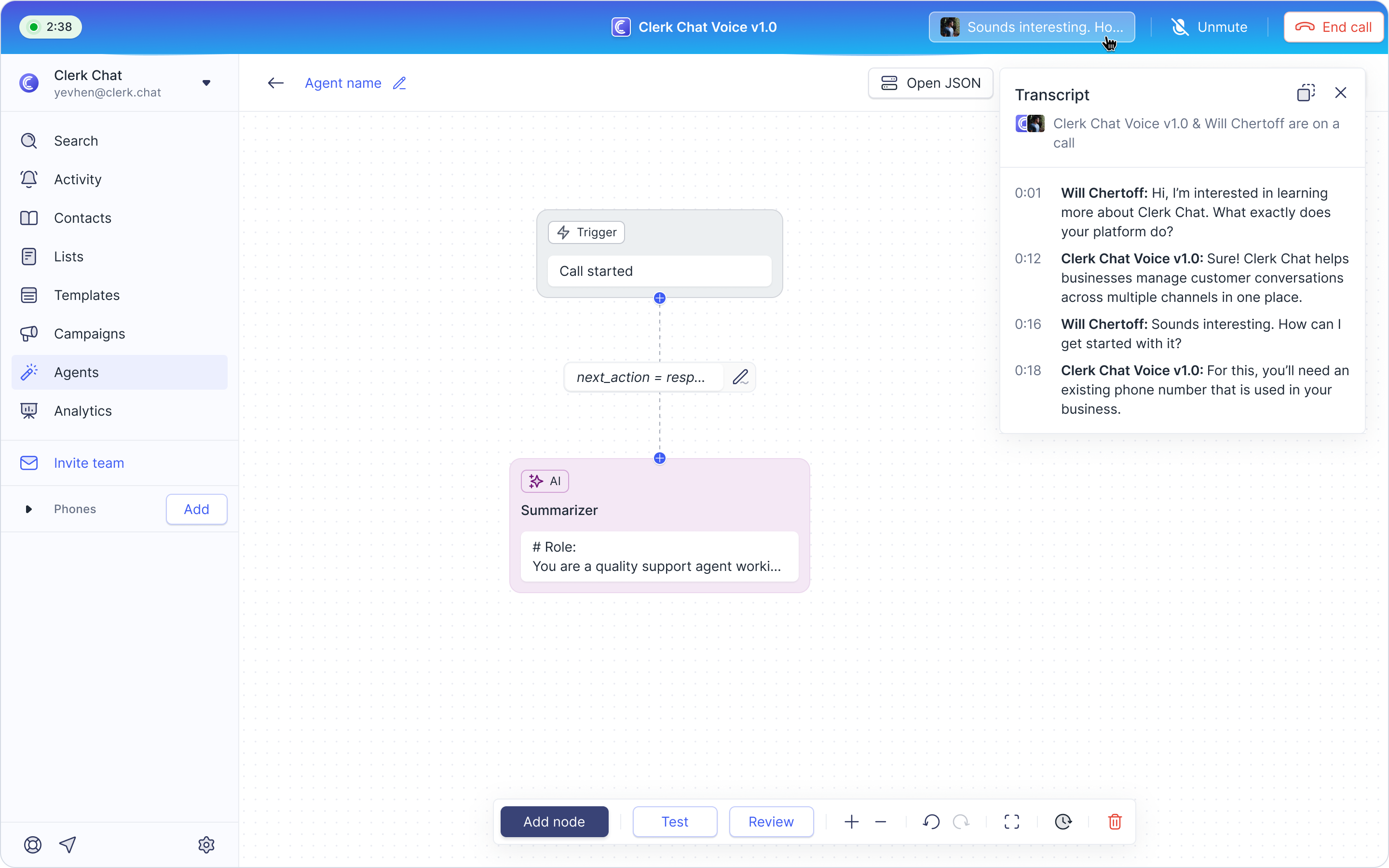
Hear and refine your automated call flows before deploying them.
Here’s how to test your Voice Agent:
Click New Agent and set the trigger to "Call Started."
Select Add Node and choose AI → Voice AI.
Edit the node to provide directions (e.g., "Talk to us about X") and set a response function so the agent knows when to end the call.
Save and name your agent.
Bonus: Live Transcripts! As you test your agent, you'll see live transcripts appear, giving you real-time visibility into how your AI will understand and respond during calls.