Conversation tags, AI agent versions, call blocking, and mobile app updates
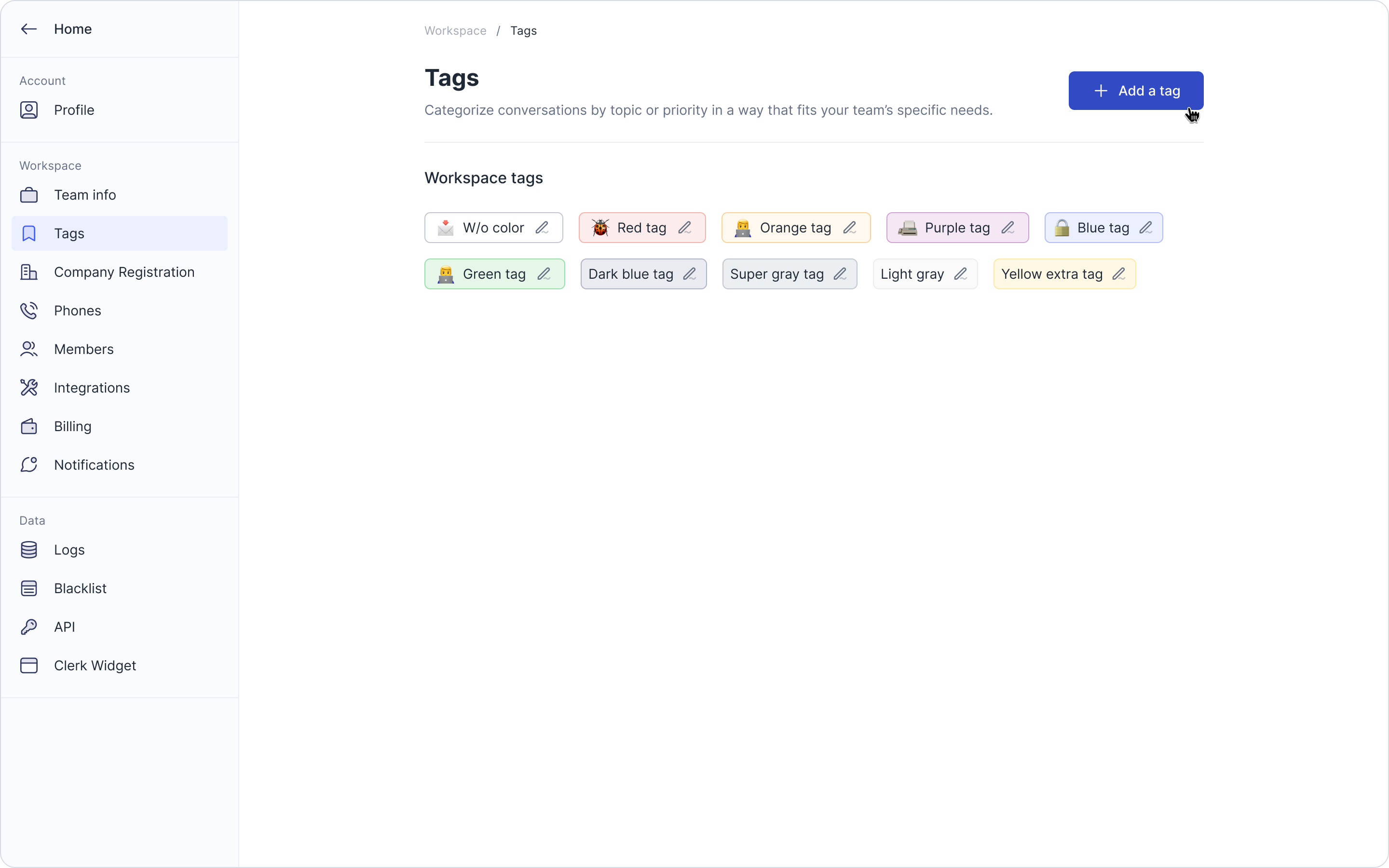
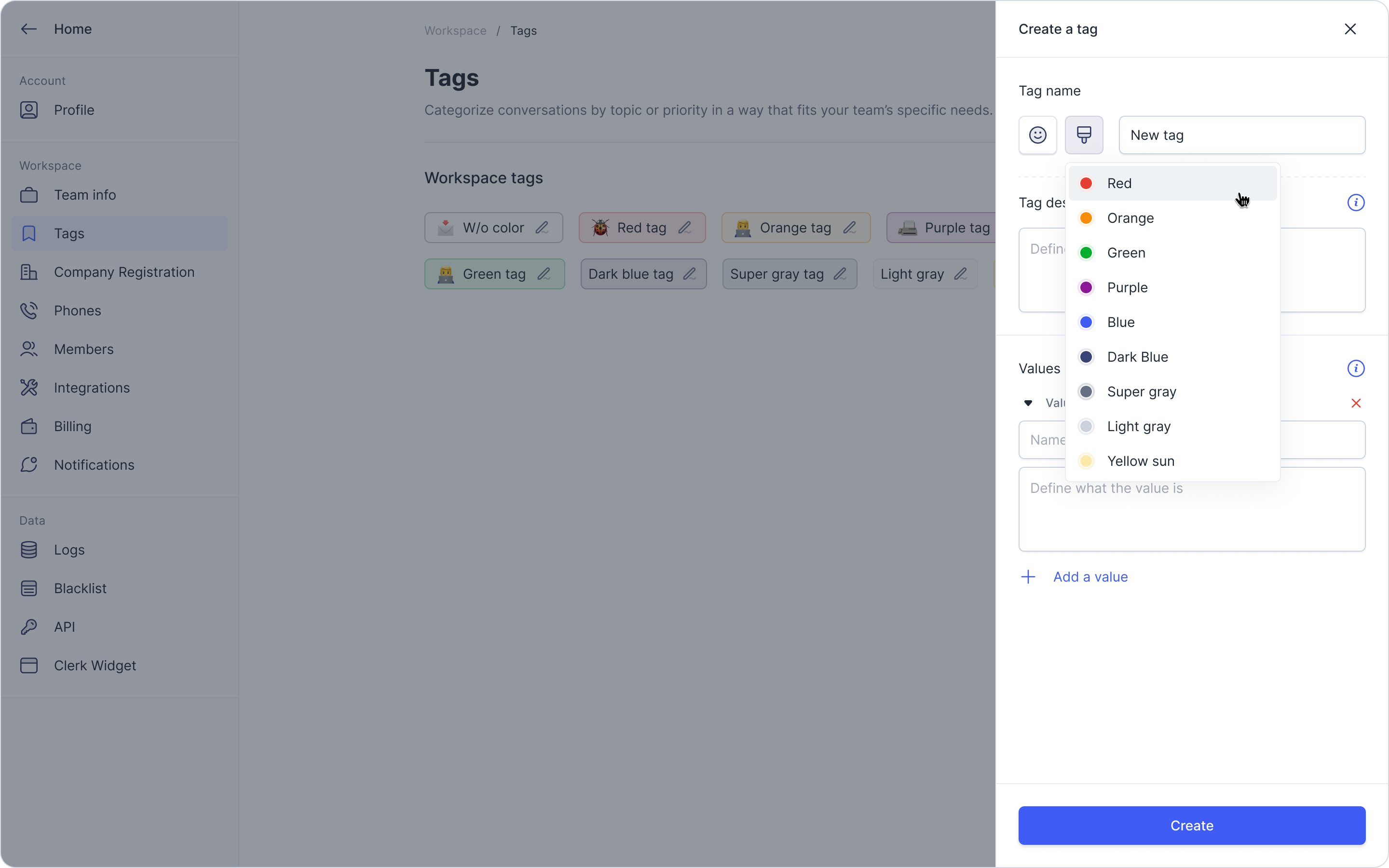
Create custom tags for Clerk Chat conversation memory: These tags will appear in your AI Insights, found in Analytics, to help you automatically label, categorize, and organize your conversations in a way that is specific to your team's needs.
Here's how to set it up:
Visit Workspace Settings and select Tags.
Click Add a Tag.
Give it a name, a description, and optional values to create sub-topics.
Contact sales@clerk.chat to enable AI insights.
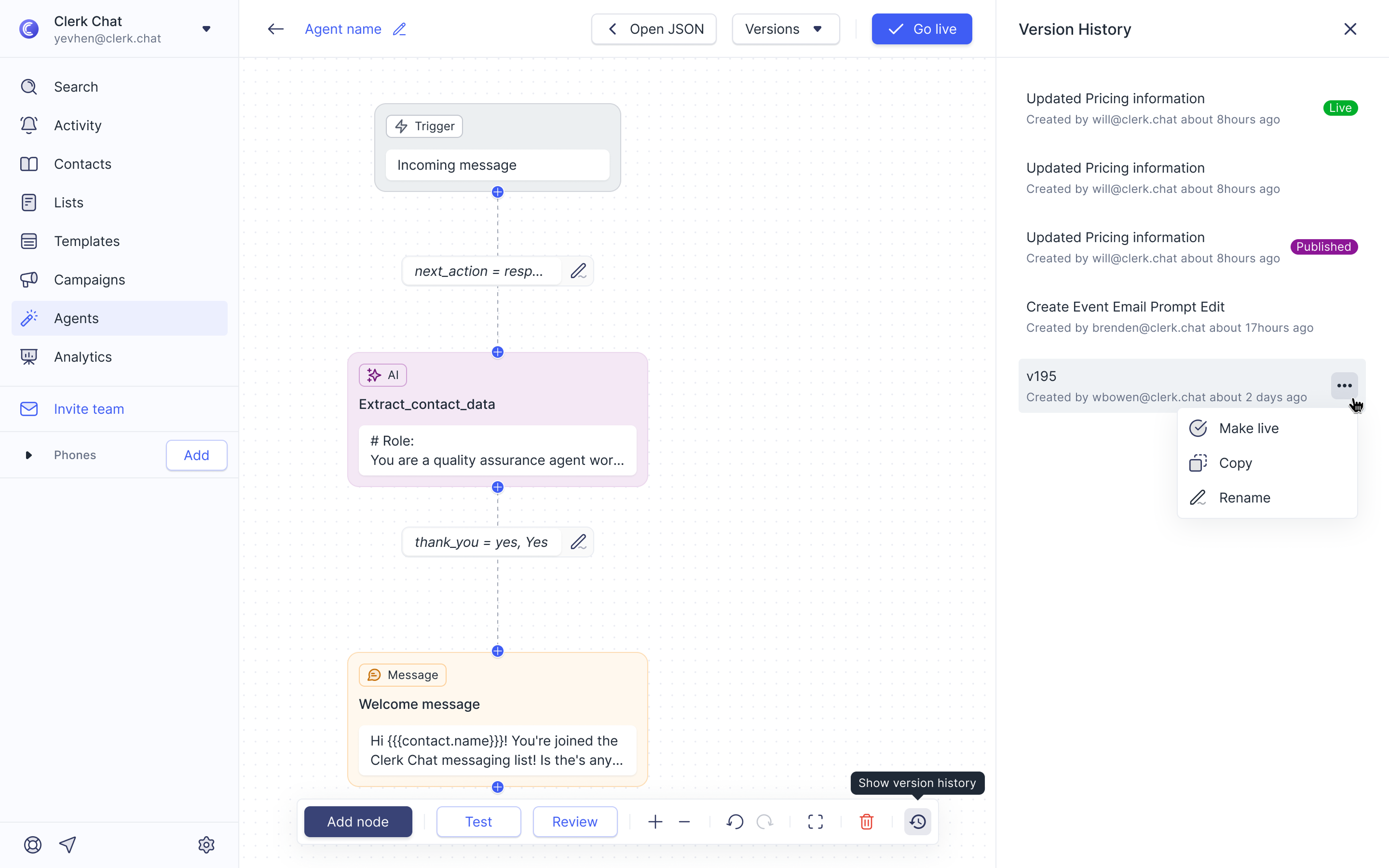
Automatic versioning for AI agents: To access this feature, visit the Agents section and select "Show change history" on the right side of the bottom menu. From there, you can see all the versions and have the ability to roll back to a previous version, copy one, or rename it.
Call blocking functionality: Now, when you block a number, it will also block their phone calls. You can easily block a number from the conversation itself or from the conversation list.
Mobile app version 1.2.25 for both iOS and Android: Minor changes include attachments preview, call discussions (threads), and contact and conversation loading speed.