AI agents can send attachments
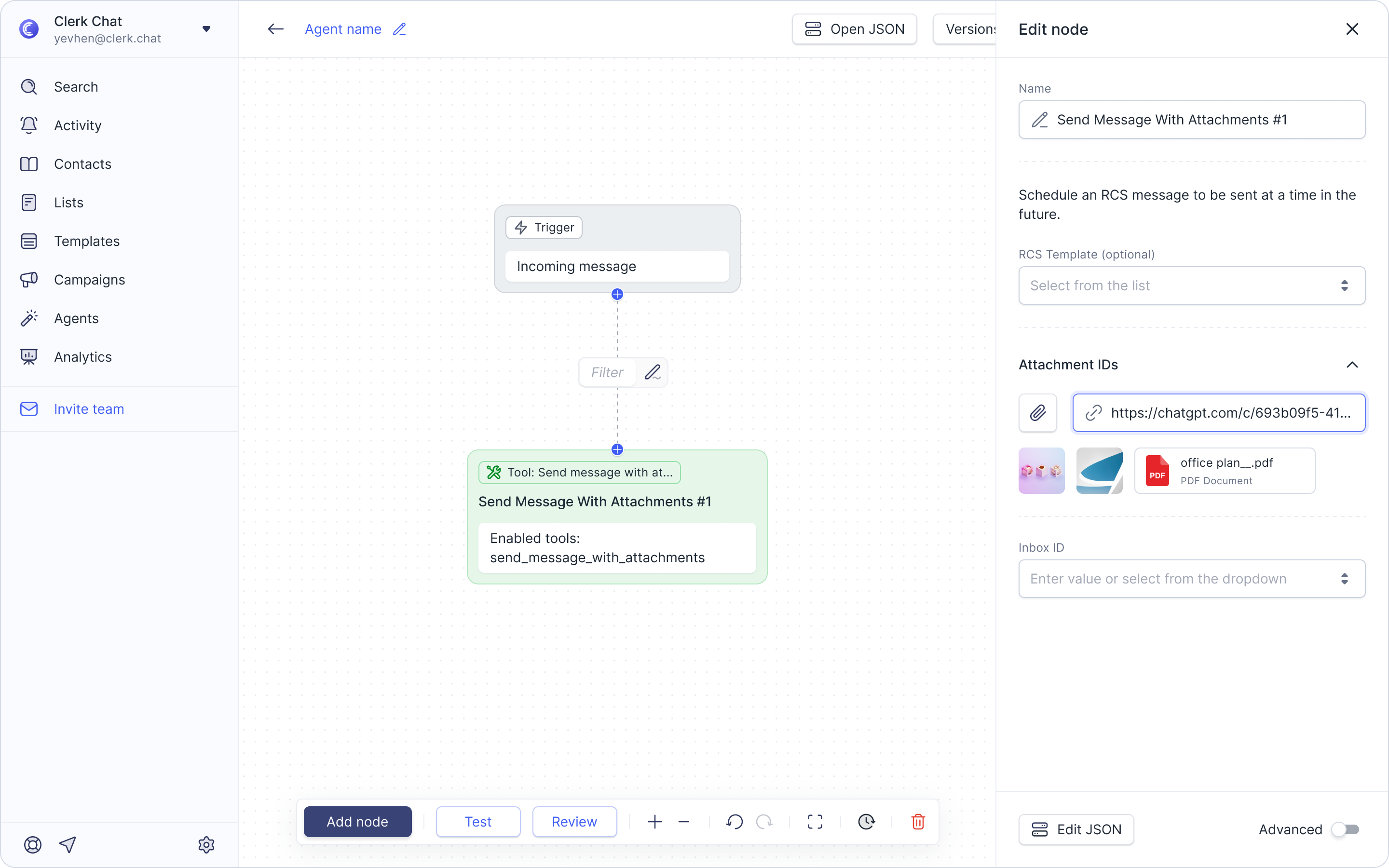
We’ve expanded the communication capabilities of your AI agents! Previously, agents were limited to sending text-only messages. With this update, you can now direct your agents to send messages with attachments, allowing them to automatically share PDFs, csv files, images, videos, and other important items during a conversation.
How to set it up:
While in the AI Agent Builder, add a new node or click the pencil icon to edit an existing one.
Under the Tools section, click Add Tools.
Select Conversations and choose Send message with attachments.
Don't forget to save your work!