Accessibility with Improved Keyboard Navigation
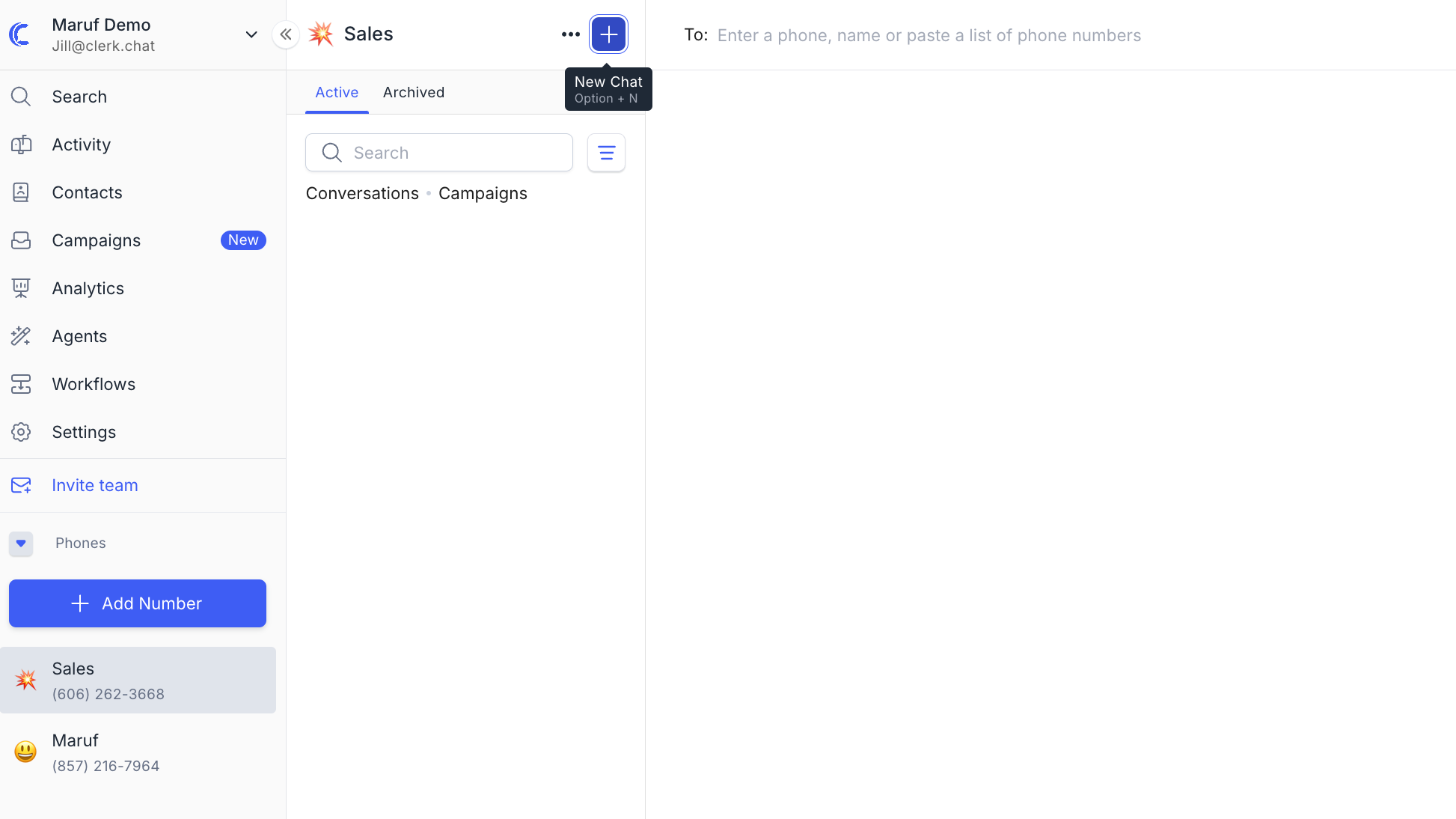
We've been listening, and we're excited to share major accessibility improvements to Clerk Chat.
Here's what's new:
Inbox Focus: The left column can now be focused using the "Tab" key after opening Clerk Chat with a shortcut.
New Message Shortcut: Quickly start a new message with "Option/Alt + N.”
Consistent Navigation: Pressing "Esc" will navigate you from an open chat conversation back to the list of conversations and campaigns.
Chat History Input: "Enter" will take you to an inbox’s chat history input even if that conversation is already open.
Improved Tab Navigation: We've refined "Shift + Tab" navigation to provide a more intuitive experience, including navigating to inbox conversations and campaigns, the search bar, filter, and more from messages.