AI Insights, Verification, and Integration updates
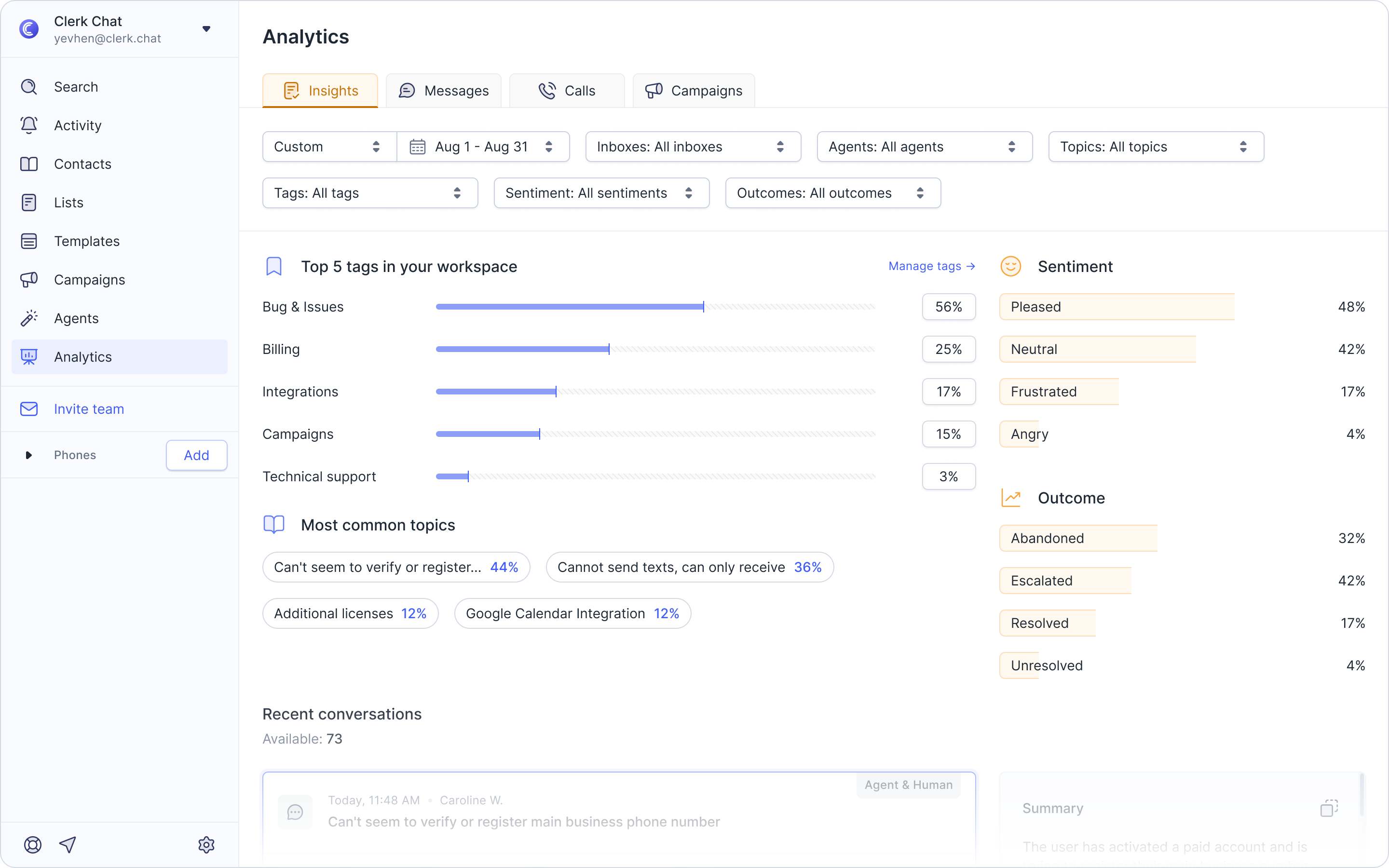
Advanced AI Insights Filtering: We’ve introduced a powerful sidebar, charts, and breakdowns to give you more specific visibility into your customer conversations.
Sentiment: See the tone of your conversations with a sidebar detailing emotions like neutral, frustrated, and pleased.
Common Topics: Quickly identify your team's most common themes (like support or sales).
Identify Top Tags: See a breakdown of the top tags in your workspace, including subtopics and their percentage usage.
Multi-Word/Phrase Blocking: Set multi-word phrases to be automatically blocked prior to sending. Head to Settings → Blacklist to add specific phrases, for better adherence to your communication guidelines and preventing unwanted content from being sent by your team.
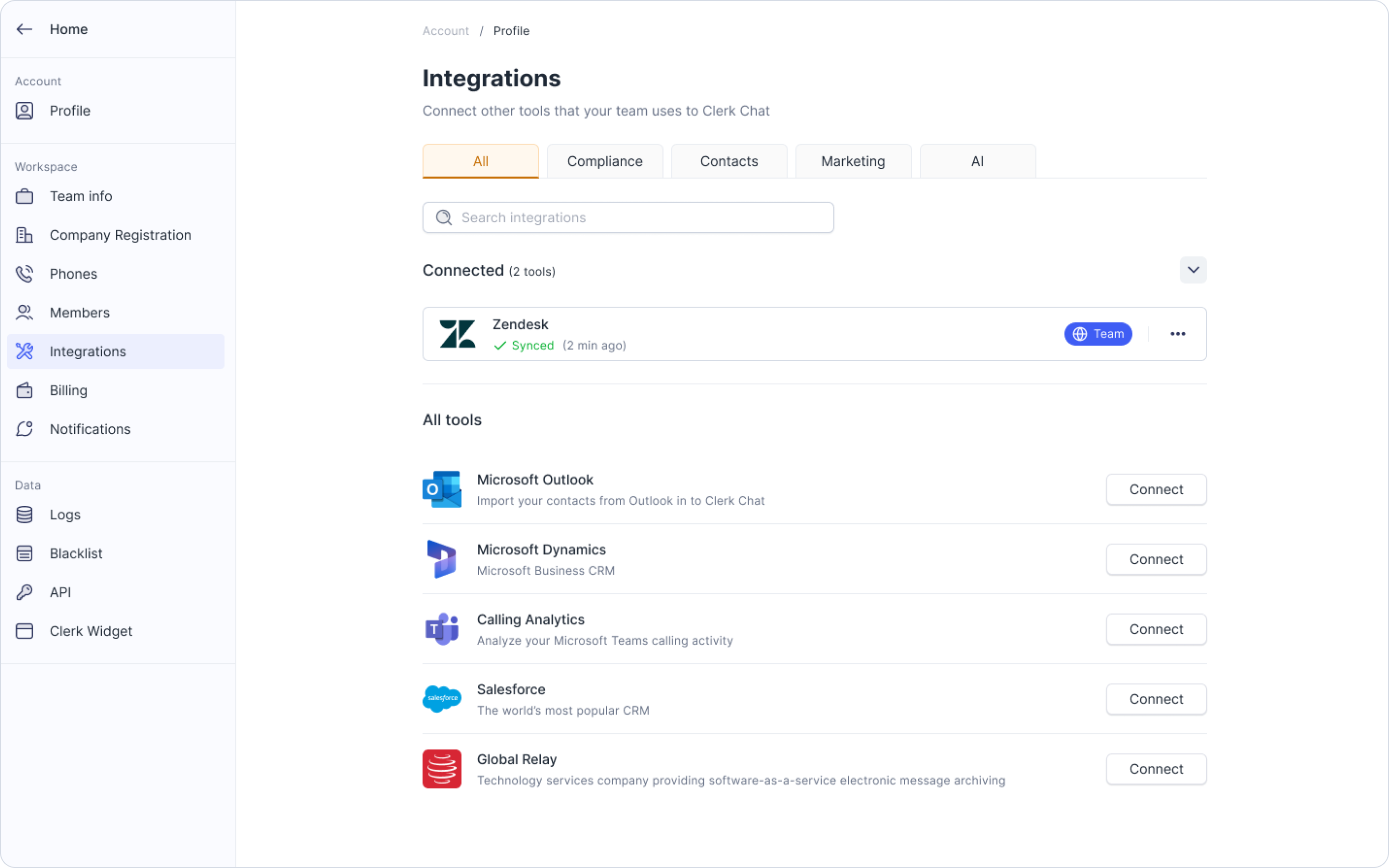
Real-Time Zendesk & Dynamics Updates: Your AI agents can create tickets and edit the title and description of a case after it has been created, ensuring the case information stays current as the conversation evolves.
AI Agent Email Verification: We've added a layer of verification to your AI agents. Your AI agent can now verify that a user has provided an accurate email address. If the AI asks for an email, it will automatically send a verification link to that address. Once the customer clicks the link, the AI confirms access, giving you validated contact information.