Now live: Native Zendesk integration and list exports
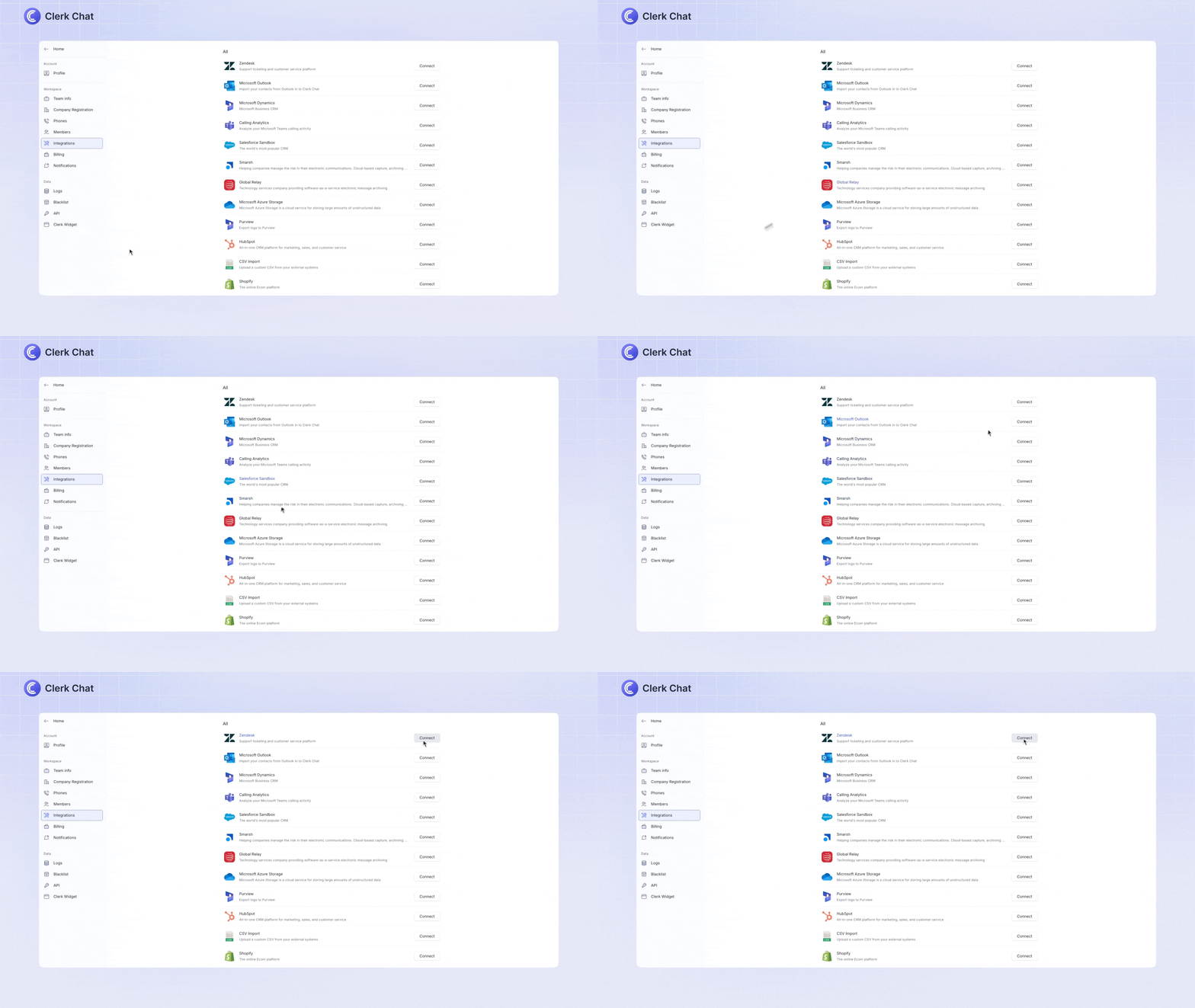
Zendesk integration: Manage your support tickets by visiting Settings > Integrations. Click Connect next to Zendesk to create, read, and update Zendesk tickets directly from the Clerk Chat user interface.
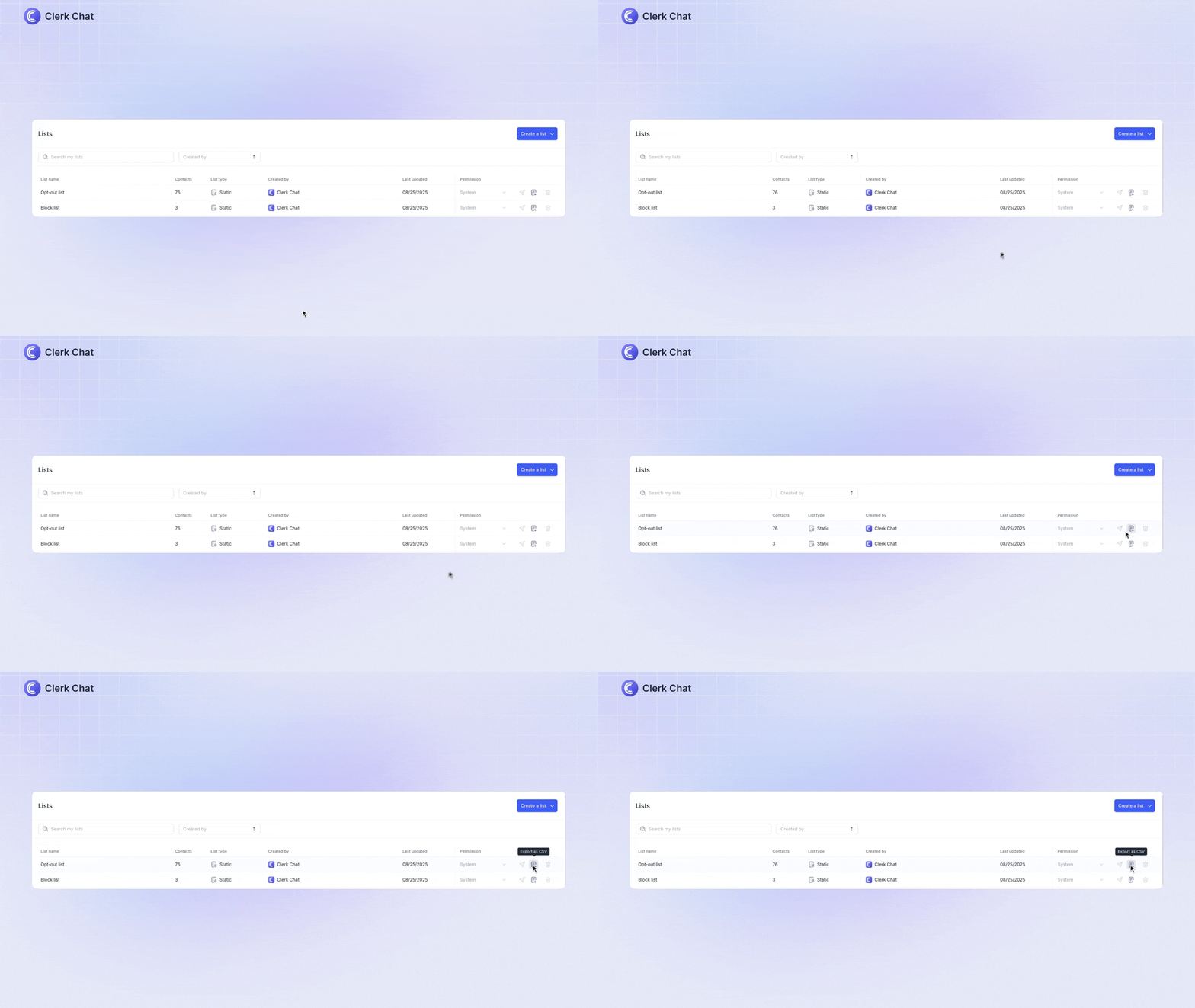
Export blocked and opt-ed out contact lists: To do this, simply visit the Lists section and click the "export as CSV" icon on the right-hand side. This makes it easier to keep track of these contacts and maintain compliance.