Name your group messages
Keep your conversations organized - and obvious! If you’ve ever opened a group chat and wondered, "Who's in here again?" or "What's this one about?" then this update is for you!
Here's how it works:
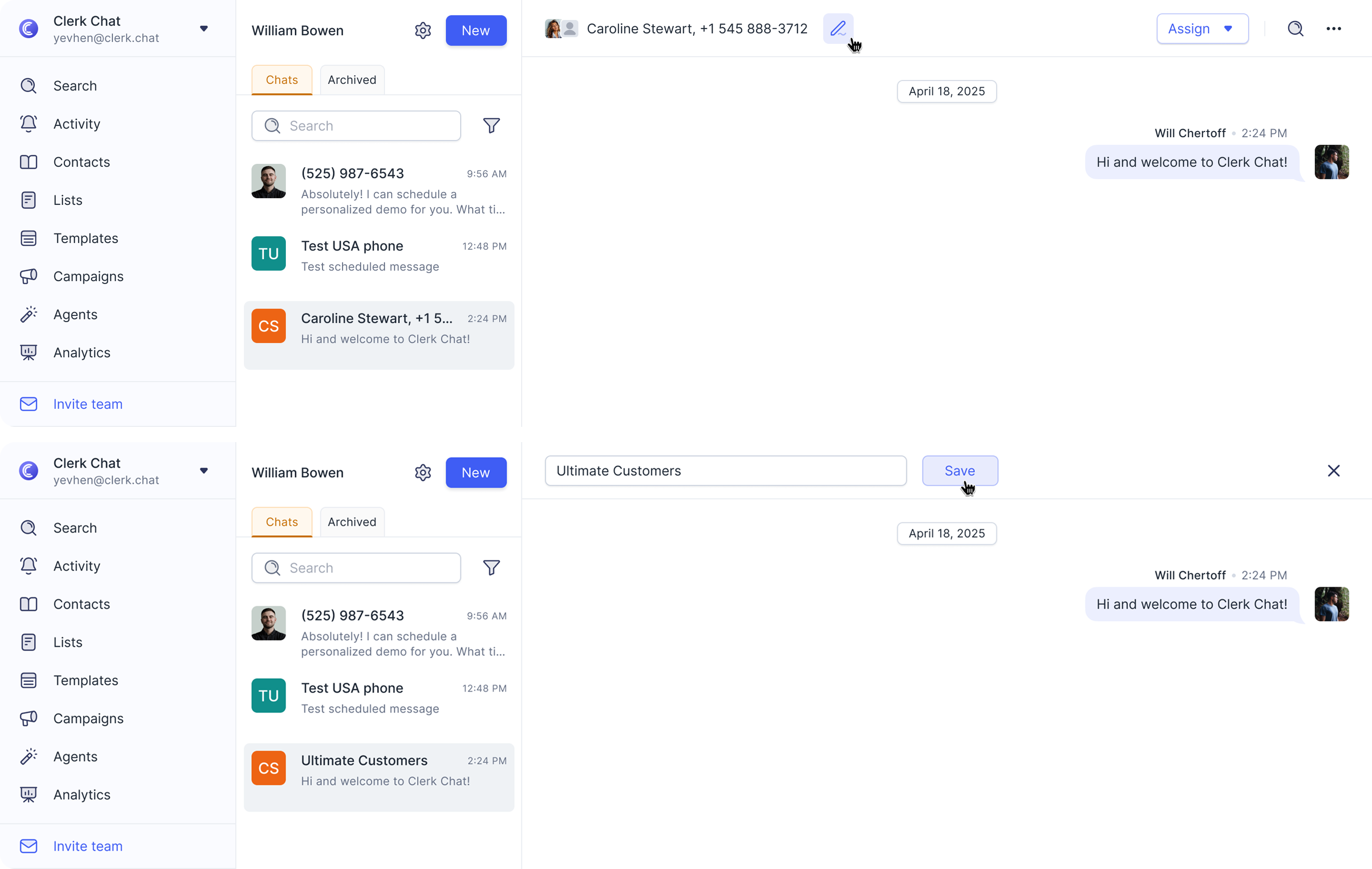
When you have a group message open, just click the little edit icon in the top conversation header (right next to the names or numbers).
Give your group a clear, recognizable name.
That new name won't just show up in the chat itself, but also in your main list of conversations, making everything much tidier. No more mystery groups!
2 comments