Live Voice-to-CRM Updates, Organized Properties & Redesigned Settings
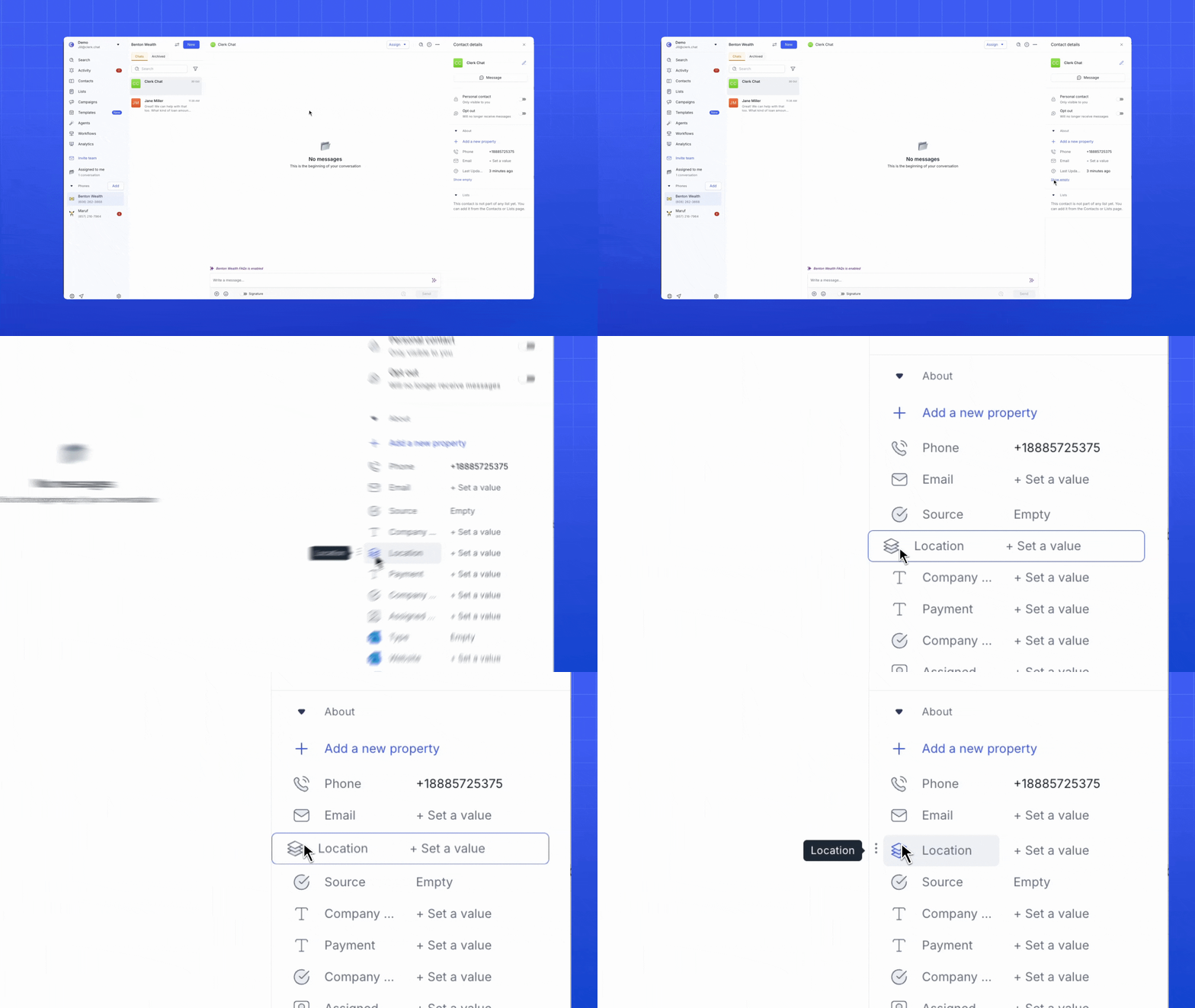
Organize your contact properties: Customize the order of properties for your contacts by dragging and dropping to arrange your contact properties in any order you prefer. If you want a contact’s email or location to show up first, you can put it right at the top.
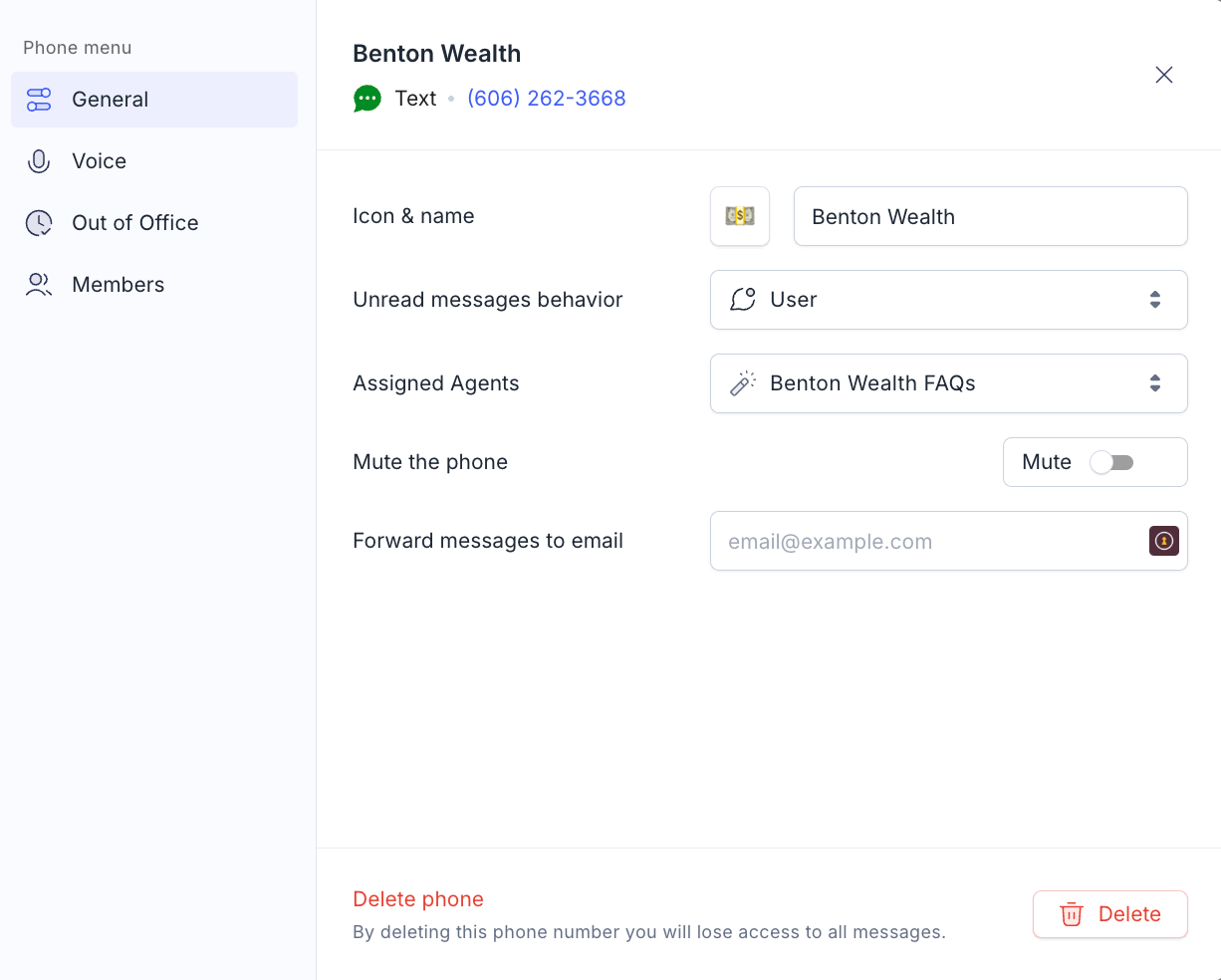
Inbox settings: When you click the three dots next to your phone number’s inbox and open Settings, you’ll see your phone number for that inbox is right at the top. You can click on it to instantly copy the number and quickly share your contact info.
Update CRM contacts while on a voice call: Just like your contact properties can automatically update based on message context, Clerk Chat’s voice AI can now do the same, live during a call. Your contact data will always be updated.