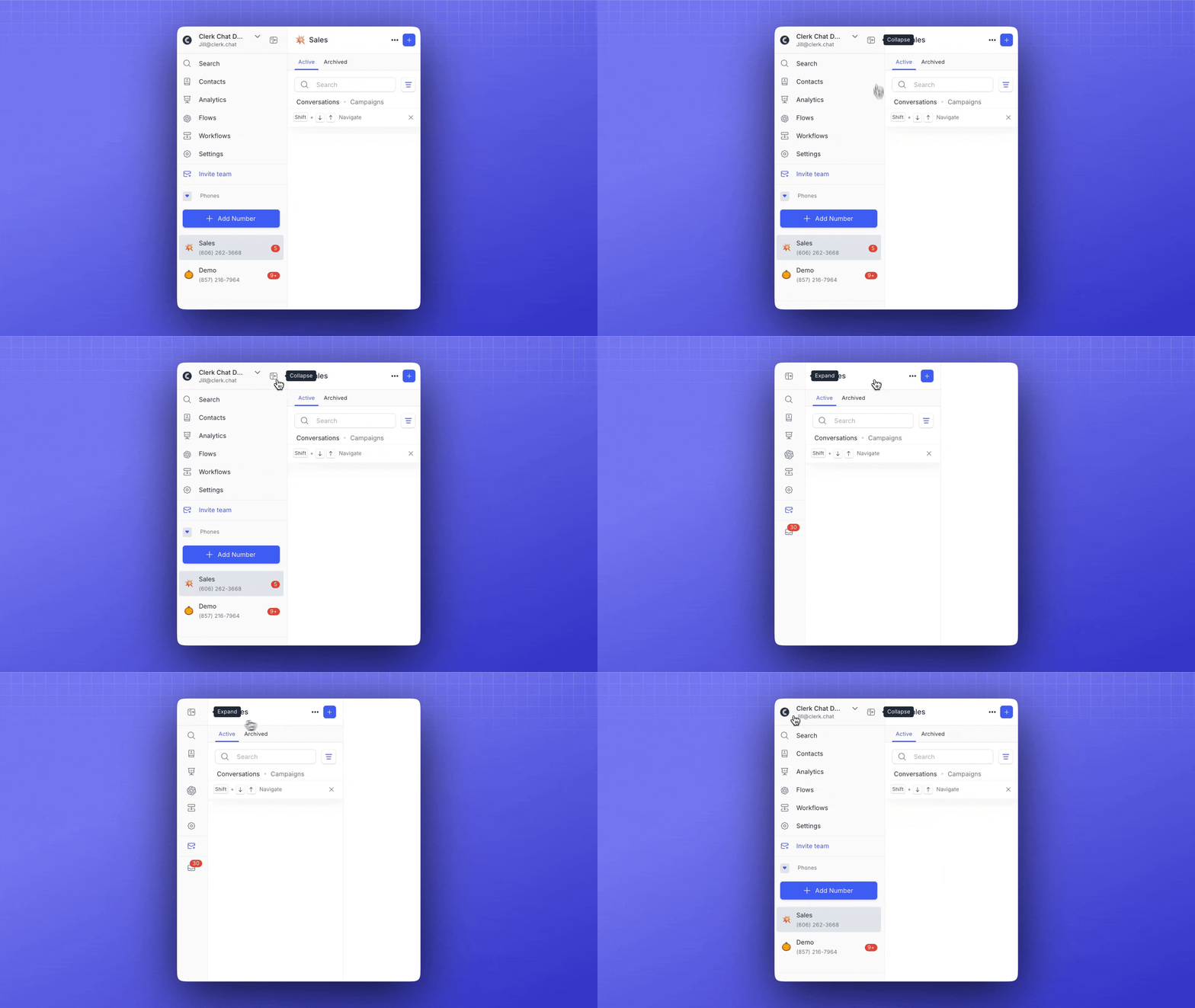
Customize Your View
Collapse and expand the sidebar with a single click. Just look for the collapse/expand icon next to your team name in the sidebar. Collapsing the sidebar minimizes it to a compact view, displaying only icons and notification bubbles. Click the icon again to expand the sidebar back to its full view.