AI agent builder updates
AI agent output response structure: AI agents can only output a structured JSON response. If your agent needs to send a message to the user (via SMS or RCS), it must use the dedicated "Send Text Message" or "Send RCS Message" tool.
Improved tool descriptions: When you add or edit a node, you can now hover over each node type and tool to see a clear, brief description. This improves usability and helps you quickly choose the right component for your workflow.
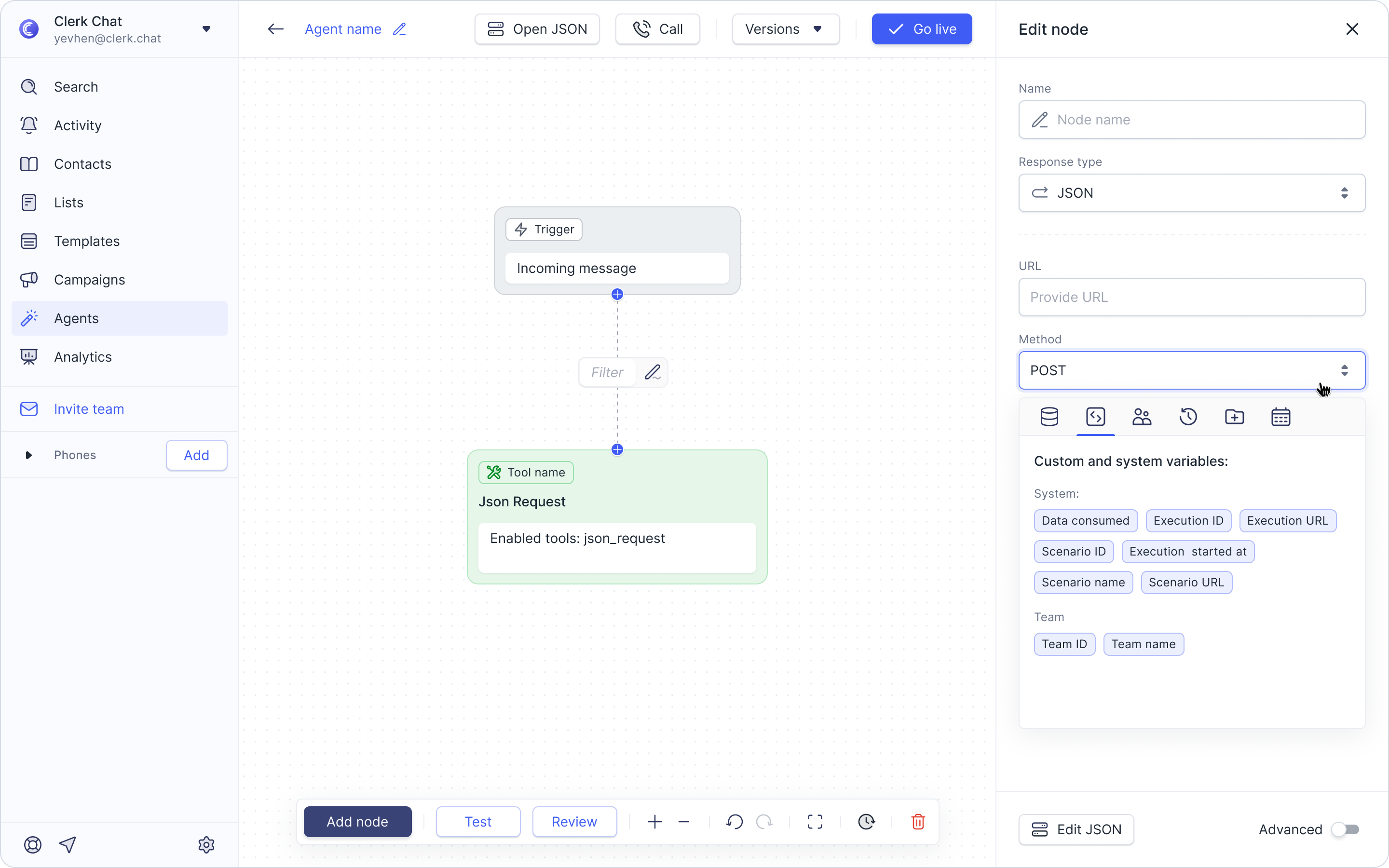
Improved variable picker during agent setup: When adding or editing a node (like the HTTP request tool), you can select data types and methods directly from a user-friendly sidebar interface, instead of needing to edit the JSON.
Unsaved changes alert: We've added extra safeguards to prevent accidental loss of work when editing an AI agent! Now, if you have unsaved changes, the save button will highlight as a reminder. Furthermore, if you attempt to navigate away from the page without saving, you will see a confirmation pop-up asking, "You have unsaved changes that will be lost. Are you sure you want to leave?"
Prompt copy button: For agents builders, we've added a handy "click to copy" icon to the right of the prompt section when editing a node. This lets you quickly copy the prompt you've used for easy reuse or documentation.
Duplicate an AI agent: Visit Agents in the sidebar, find the agent you want to copy, and look for the new + icon next to its details. Clicking this instantly creates a clone. You can then rename and edit the copy as needed.